 Create Future Gaming 2023-1-ES01-KA210-SCH-000150686
File
A Tool, Not a Curriculum
Completion requirements
A Tool, Not a Curriculum
Virtual reality is not a technology that should replace other teaching resources; instead, it
should serve as a complementary tool that can enhance learning across disciplines. As
with any new technology being introduced into the classroom, success depends on
expectations, an effective strategy and the practical details of how it is being used.
Safety! Safety! Safety!
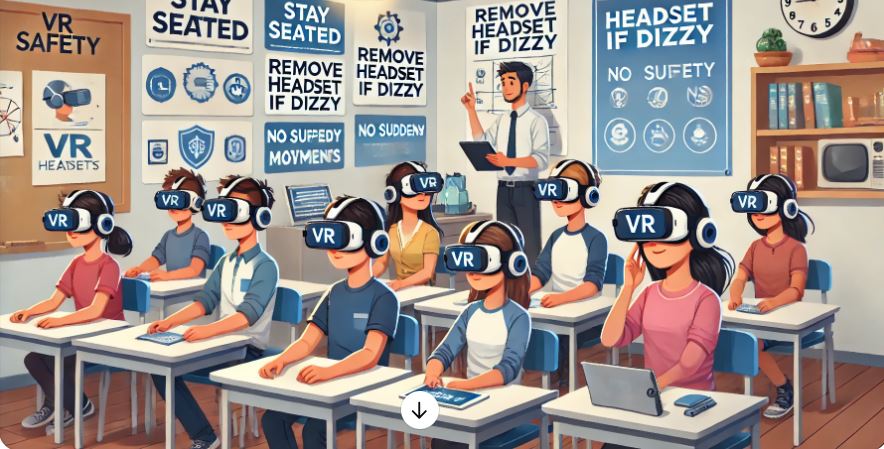
We always recommend sitting when participating in V.R. experiences. Partners create an
additional safety measure because the partner who is observing can ensure that his or her
partner is safely experiencing the VR content.
Before starting, go over a list of dos and don’ts. Some of our personal favorites include:
No standing up.
If you are starting to feel dizzy or getting a headache, take the headset off.
Do not flail hands or legs around to avoid causing potential accidents.
Virtual reality can sometimes be an intensely emotional experience. Remind students that
if they are feeling overwhelmed, it’s OK to stop.
Technology
To get started, you’ll also need some basic technology. Here are some general
requirements:
Internet: V.R. experiences can be downloaded or streamed. We recommend
downloading the experience to the device so that streaming issues are avoided.
Mobile Device: Smartphones are essential to powering these experiences.
Headset: Choose a headset that makes the most sense for the mobile devices that
you are using. There are mobile device-agnostic headsets that could work with a
variety of phones. Prices start under $10 for a simple cardboard viewer and go up from
there. Most headsets also come with compatibility specs, so that you can be better
informed on how to pair accurately.
Without Headset: 360 videos can also be viewed without a headset, but the
experience isn’t as immersive. When viewing 360 videos in this format, you can drag
the screen while the video is playing to view the surrounding environment in 360
degrees.
Headphones: Headphones allow the user to be more immersed and reduce the
disruption to the experience that could arise from using speakers.
Finding Experiences: The NYT VR app no longer exists, but you can view NYT VR
experiences via your mobile device on The New York Times, or via the YouTube VR or
Within apps on the Oculus. You can also find several Times 360 videos on TechRow , a
subscription-based V.R. and video delivery system for the classroom.
 Create Future Gaming 2023-1-ES01-KA210-SCH-000150686